 Curator Pal
Stock footage metadata tutorials
Short videos on writing titles, descriptions and keywords that help buyers find your clips, and how Curator Pal drafts them for you. Curator Pal is a Chrome extension for curators who upload to BlackBox Global. You always check the draft and press Submit yourself.
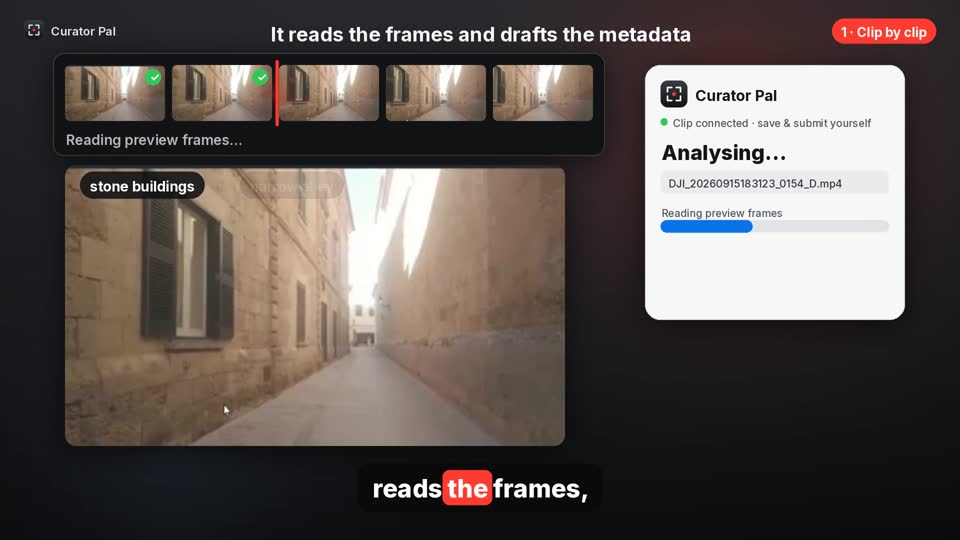
How to add titles, descriptions and keywords to your stock footage, step by step
The 1-minute walkthrough: clip by clip, or a whole folder at once. (1 min 11 s)
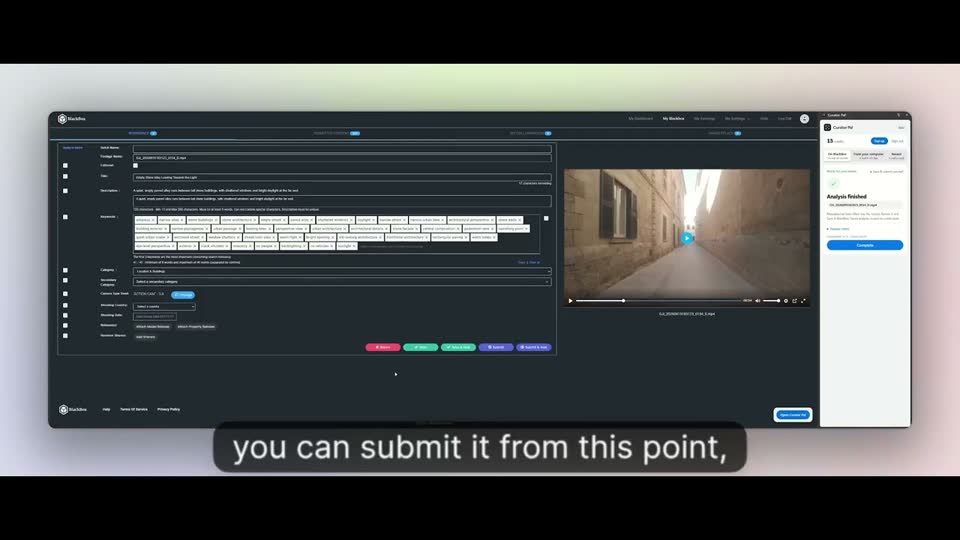
Curator Pal demo: drafting stock footage titles, descriptions and keywords
A 2-minute demo from the maker, with real clips and the real upload form. (2 min 21 s)
Launch offer: use code CURATOR20 for 20% off your first purchase, on any credit pack or your first month of a plan. New customers only, ends 8 Nov.
Already written your metadata? Check it against the agency’s published limits with the free stock footage metadata checker. It runs in your browser, with no sign-up.
Curator Pal is independent and not affiliated with or endorsed by BlackBox Global.